

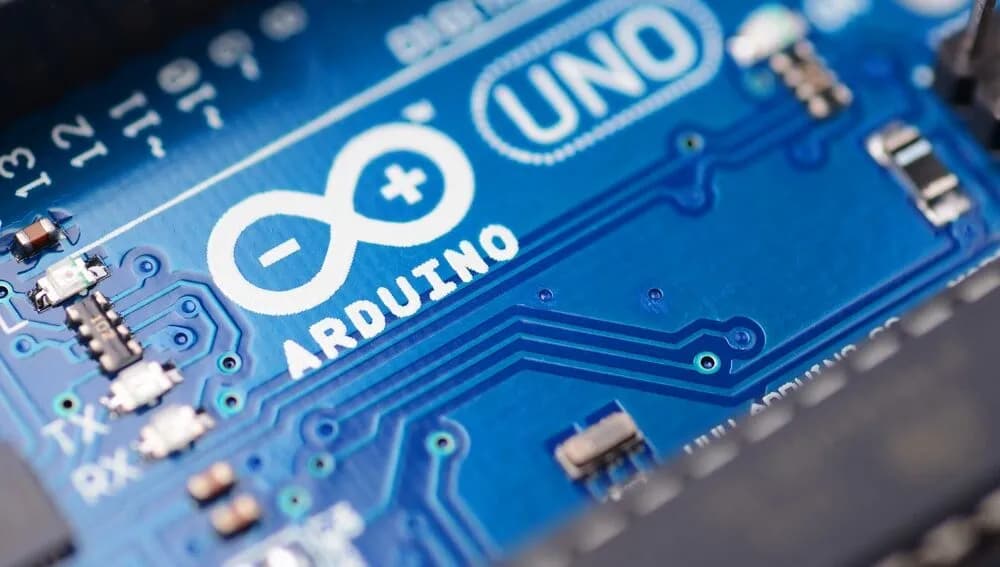
Meet the New Arduino Uno Q: A Fresh Era for Makers
Listen up — the Uno Q just strutted onto the maker scene wearing a cape and USB‑C, and honestly, it’s hard not to be impressed. If you like blinking LEDs, small victories, and occasionally running Python to make your toaster feel judged, this board is the shiny new tool you didn’t know you needed.
Quick takeaway: Start with the Uno Q if you want a single board that can run Linux, Python, Arduino sketches, and maybe a tiny AI model while you sip coffee and pretend you understand Docker.
First impressions (short, snarky, useful)
- Boots fast. Uploads faster. Old Unos look wistful.
- USB‑C means fewer cable-related existential crises.
- It’s comfortable for beginners but flexes for pros — a rare combo.
What’s new and why it matters
- Modern ports (USB‑C), modern brain (quad‑core MPU + STM32 MCU), and real storage (16GB eMMC). That means: more headroom, less fiddling, fewer “out of memory” sob stories.
- Built-in Wi‑Fi and Bluetooth mean it can chat with your phone, your fridge, and your terrible Wi‑Fi extender.
- Classic headers keep shield compatibility — so your old projects don’t feel betrayed.
Specs you should remember (because nobody reads tables)
- Quad-core Arm A53 + STM32U585 MCU
- 2GB LPDDR4 (4GB coming), 16GB eMMC
- Wi‑Fi 5, Bluetooth 5.1, USB‑C, LED matrix
- Runs Debian + Arduino Core on Zephyr
If you want the full spec sheet (nerd mode), the docs are right here: https://docs.arduino.cc/hardware/uno-q/
Use cases — what you’ll actually build
- Portable Linux gadgets and tiny servers
- On-device Python scripts and lightweight ML demos
- Prototyping robot brains with a friendly UI
- Weekend projects that need more than a classic Uno but less than a PC
Uno Q vs Uno R3 (the short version)
- Uno Q: modern, multitasking, and surprisingly cuddly with real apps.
- Uno R3: tiny, simple, and a champion at teaching fundamentals.
Pick the Uno Q when your project wants to graduate from microcontroller to microcomputer without changing schools.
Quick FAQ (the honest answers)
Q: Will my old shields work? A: Yes — classic headers are still there. Breathe.
Q: Is 2GB enough? A: For most maker stuff, yes. For mini‑desktoping, wait for 4GB.
Q: Is it still beginner friendly? A: Absolutely. You can start with Arduino sketches and graduate to Python and Linux apps.
Final verdict (short)
The Uno Q is the board that lets you scale a project from “cute blinking LED” to “local web app and tiny ML demo” without abandoning your Arduino comfort zone. It’s the sensible overachiever your workbench needed.
Tell us what you’d build first — comments, tags, or carrier pigeons all welcome.
Official Store: Buy or learn more about the Arduino Uno Q here
Mini-FAQ: Common Uno Q Questions
Q: Can I use my old Uno shields? A: Yes! The Uno Q keeps the classic header layout for full compatibility.
Q: Is 2GB RAM enough? A: For most projects, yes. If you want to use it as a mini desktop or for heavy multitasking, a 4GB version is coming soon.
Q: Can I use the Arduino IDE? A: Absolutely. You can use the Arduino IDE for the microcontroller, or try the new App Lab for advanced features.
Q: Does it run Python? A: Yes! You can run Python scripts, Arduino sketches, and even AI models—all on the same board.
Q: Is it good for beginners? A: It’s perfect for beginners and pros alike. The community is huge, and there are tons of tutorials.
Pro Tip: If you’re searching for “Arduino Uno Q review,” “best Arduino board 2026,” or “beginner projects Uno Q,” you’re in the right place!
The Arduino Uno Q feels like the start of a new chapter for makers everywhere. It’s familiar, but better in all the right ways. If you’ve been waiting for a reason to start (or restart) your electronics journey, this is it.
What are you most excited to build with the Uno Q? Let me know in the comments, or tag me with your projects!
Want to learn more? Check out our beginner guides in the Uno section for hands-on projects and tips!
Official Store: Buy or learn more about the Arduino Uno Q here